Day 1: What is Silly Tavern?

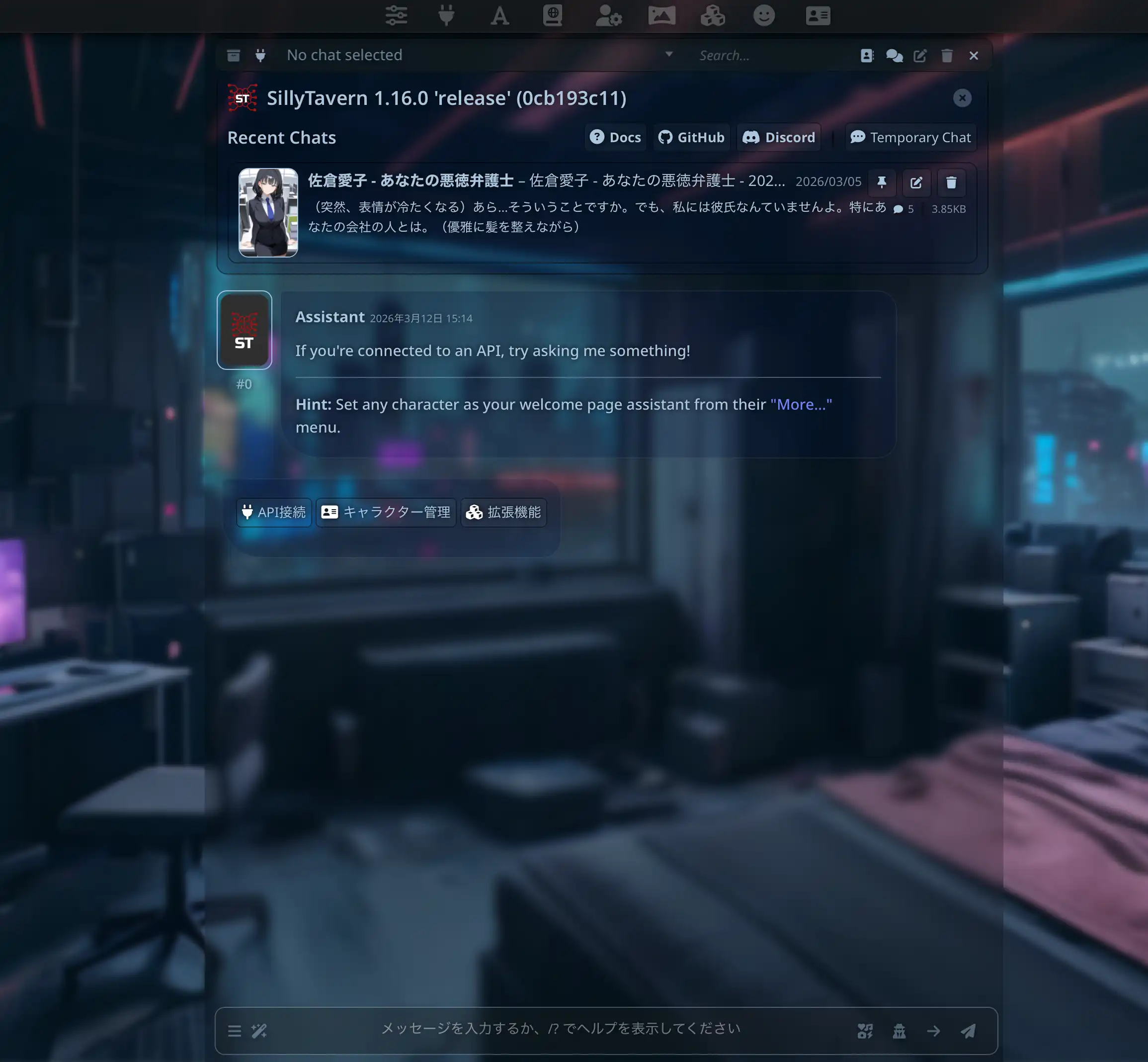
Silly Tavern (ST) is an open-source front-end for talking to large language models (LLMs). You define who you talk to with a character card, then connect a cloud API or a model running on your machine. It is a good fit for roleplay with anime or game characters and for writing long stories together.
The name mixes “silly” (playful, low-stakes) and “tavern” (a place to talk). It can talk to KoboldAI / llama.cpp, Horde, NovelAI, Ooba, Tabby, OpenAI, OpenRouter, Claude, Mistral, and more. You also get World Info (lorebook), TTS, image gen via Automatic1111 / ComfyUI, a visual-novel-style view, auto-translate, and third-party extensions. The layout can open in a phone browser, but installing the app itself still assumes Node.js on a PC.
Getting started means installing Node.js and a few other steps. This page (updated August 2026) covers what the tool is, what it can do, and what you need. It is Day 1 of a seven-day series; the later days are still maintained in Japanese.
A front-end, not the model
Silly Tavern is the chat UI, characters, prompts, and extensions. The LLM you connect is what actually writes the replies. Put personality and backstory on a card, and the same model can speak as a specific character.
As of 2026 you can hook up mainstream cloud models such as ChatGPT (OpenAI), Claude, and Gemini. With a local model, chats can stay on your machine. Unlike Character.AI, ST itself does not apply a platform-wide content filter; limits come from the model and your settings. Many people use it for less-restricted roleplay, including adult scenes.
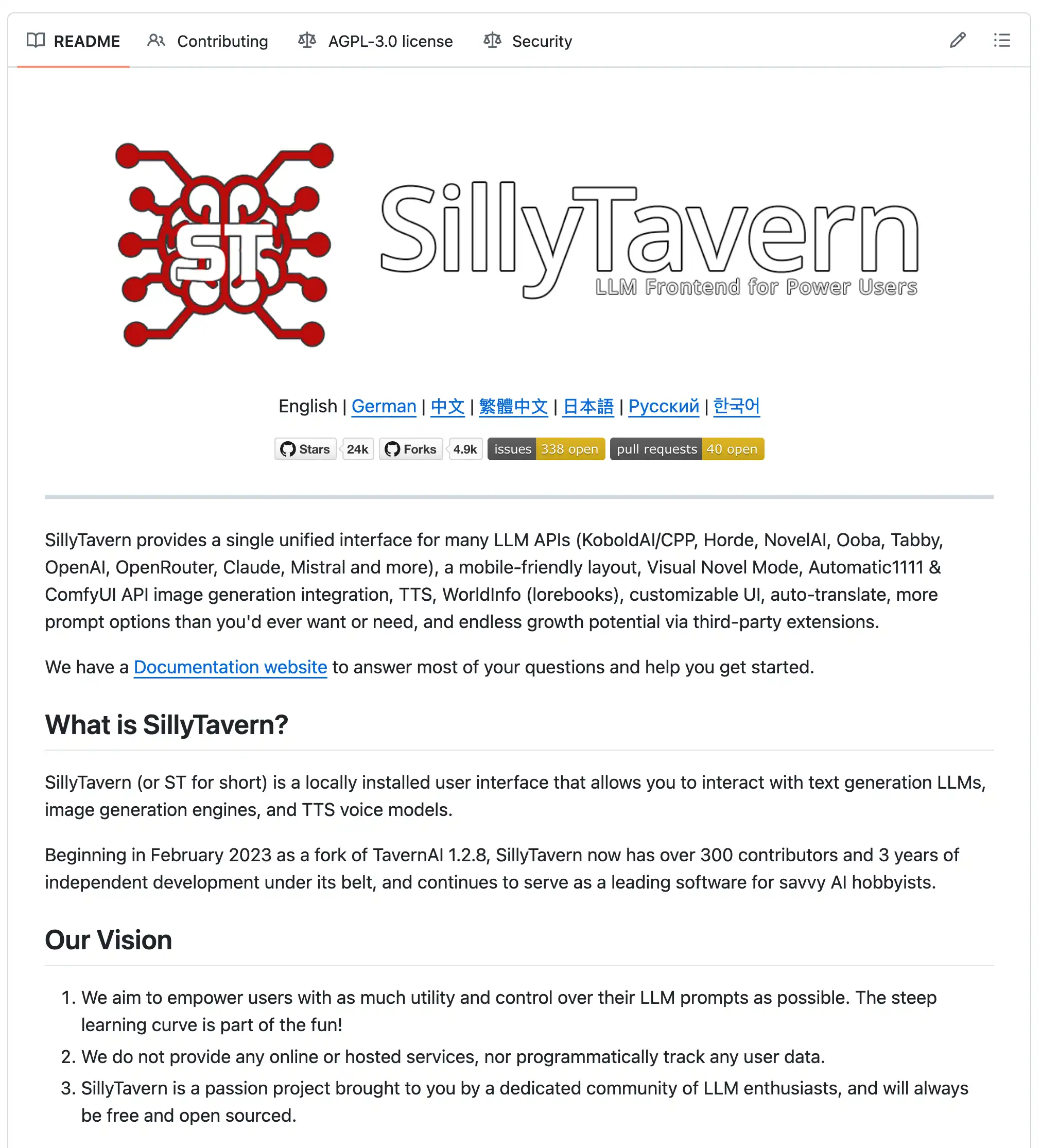
The source is public on GitHub and the client is free. Get it from the official repo.
History
Silly Tavern grew out of communities that wanted to talk to anime and game characters. It started in February 2023 as a fork of TavernAI 1.2.8, then developed on its own for more than three years. There are now 300+ contributors.
The fork was about more APIs, a more customizable UI, and extensions. Discord and Reddit are busy with card sharing and setup help—it is a community, not only a client.
What you can do
1. Chat with characters
Character cards are the core: name, personality, backstory, speech. Everyday talk or long adventures are both fine.
- Cards: name, personality, background, voice
- Scenarios: slice-of-life to long plots, at your pace
- Light filtering: ST does not blanket-block topics; the connected model and provider still apply
2. Many models
You can switch backends in the same UI.
- Cloud: OpenAI (ChatGPT), Anthropic (Claude), Google (Gemini), OpenRouter, Mistral, and others
- Local: offline runs through KoboldAI / llama.cpp, Ooba, Tabby, Ollama, LM Studio, and similar
3. Customization
- Prompts: steer how the model answers
- TTS: give the character a voice
- Image gen: Automatic1111 or ComfyUI
- Themes: restyle the UI
- Auto-translate: help with mixed-language chats
- Extensions: community plugins
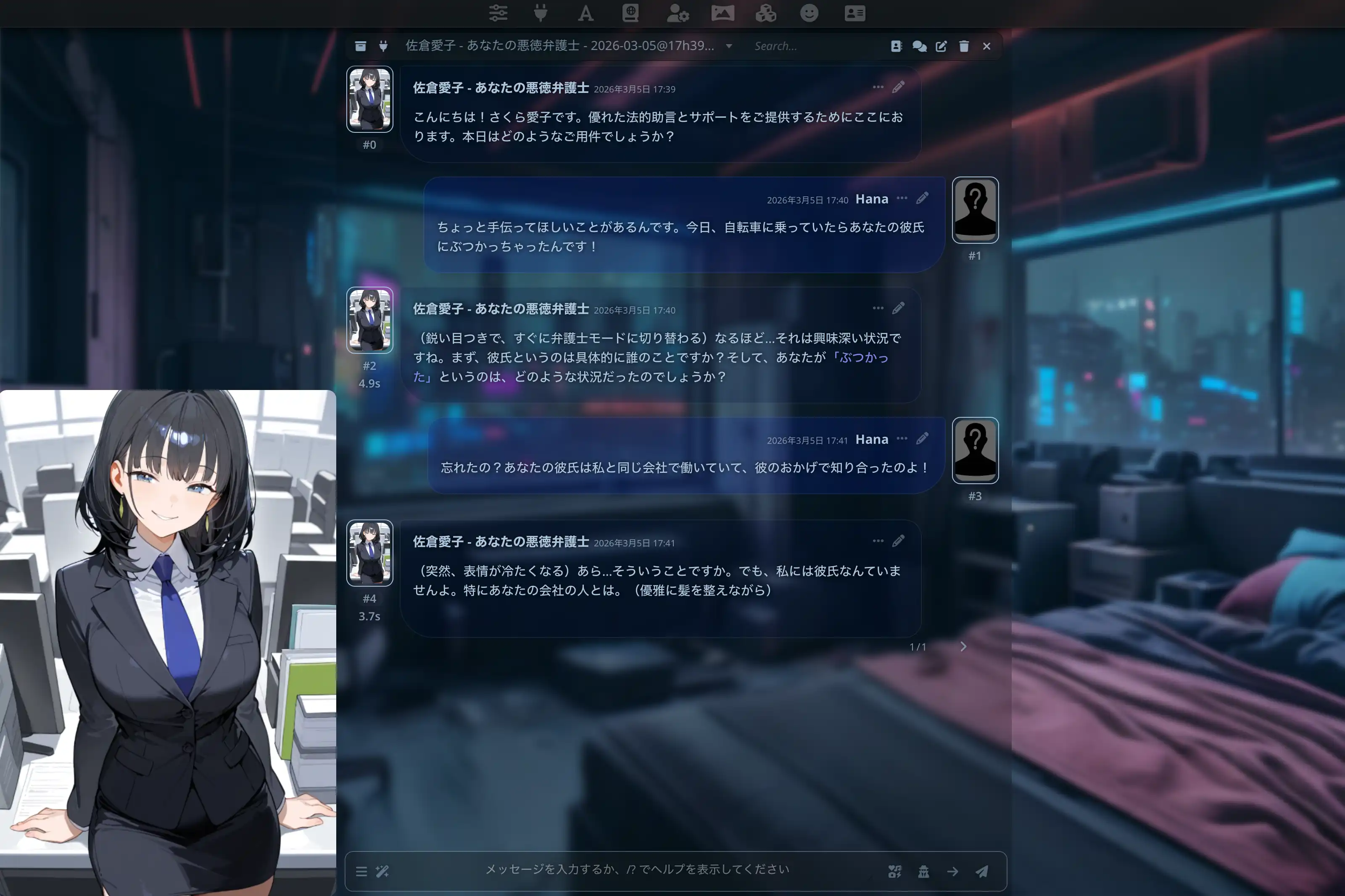
4. Visual novel mode
Add backgrounds and expression sprites for a standing-CG look. Aimed at story-first play.
5. World Info (lorebook)
Store setting and relationships as short entries that inject into context on keywords, so long chats drift less.
Cards: Day 3 (Japanese). Models: Day 4 (Japanese). Deeper customization: Day 6 (Japanese).
What you need (macOS-focused)
The install day in this series is written for macOS. The same client runs on Windows and Linux.
Hardware
- CPU: Intel or Apple Silicon (M1 and later, including M4). The chat UI itself is light
- RAM: 4 GB can work with cloud models; 8 GB+ for local, 16 GB+ is more comfortable
- Disk: about 1 GB for ST; local models need extra gigabytes to tens of GB
- OS: macOS 10.15 (Catalina) or newer
Software
- Node.js: current LTS recommended
- Browser: recent Safari, Chrome, or Firefox
Helpful skills
- Basic terminal use
- Opening config files in a text editor
Knowing LLM vs API key vs local model saves time later. Cloud is easier and often billed; local is heavier to set up and keeps data on your machine.
If setup feels heavy, try MiniTavern on iOS / Android first. Mobile options: Day 7 (Japanese).
Compared with other tools
| Tool | Platform | Customization | Models | Character cards | Privacy | Difficulty | Price |
|---|---|---|---|---|---|---|---|
| Silly Tavern | PC (Windows / Mac / Linux) | Very high | Many (cloud + local) | Full | High (local possible) | Medium–high | Client free |
| ChatGPT (official) | Web / mobile | Low | OpenAI only | None | Low (cloud) | Low | Free / paid |
| Character.AI | Web / mobile | Medium | In-house | Limited | Low (cloud) | Low | Free / paid |
| Janitor AI | Web | Medium | Several | Yes | Low (cloud) | Low–medium | Free / paid |
| MiniTavern | Mobile (iOS / Android) | Medium | Mainstream paths | Full | Medium | Low | Free tier |
- ChatGPT: instant to use; not built around character cards
- Character.AI: character chat first; fixed models, strong filters, cloud-only
- Janitor AI: ST-like front-end in the browser; easier start, more cloud-shaped
- MiniTavern: cards and APIs on a phone, shorter path than desktop ST. See Day 7 (Japanese)
Pick ST for deep customization and local runs. Pick MiniTavern if you want to start on a phone.
Who it is for
Strengths
- You control character and conversation detail
- Cloud and local in one UI
- Free open-source client; active community
- Import cards from around the world; niche or adult setups as far as the model and provider allow
- Local models can keep chats off the network
- Discord / Reddit are easy places to find answers
Weaknesses
- First-time Node.js setup takes a while
- Day-to-day use assumes a PC; not a grab-and-go phone app
- Lots of settings; easy to get lost at first
- No official 1:1 support; you and the community debug it
If install or “needs a PC” is the blocker, MiniTavern is faster. Also Day 7 (Japanese).
A good fit if you
- Want custom characters and plots
- Want to try several models
- Prefer data on your machine when possible
- Do not mind a terminal
- Use a desktop or laptop as your main device
A poor fit if you
- Do not want to touch configs or commands
- Want something that works in a minute
- Only want a phone
- Need official hand-holding
If that second list sounds like you, start with MiniTavern.
How people use it
1. Roleplay and stories
Set a fantasy or sci-fi lead and take turns with the model. Genre cards are shared in the community, so you can start quickly.
2. Writing help
Test dialogue between characters as a draft for lines and plot. Unexpected turns sometimes become writing fuel.
3. Virtual companion
Some people keep a character for daily small talk. “AI girlfriend / boyfriend” cards are common, including tropes like tsundere.
4. Learning
Make a historical figure and ask about their era, or switch reply language for conversation practice. Quality depends on the model.
5. Community
r/SillyTavern and the official Discord cover updates, setup tips, card trading, and troubleshooting.
Wrap-up
Silly Tavern is a chat UI that wires character cards to many models. It can do a lot; first install still goes through Node.js. Choose desktop ST for deep control, or MiniTavern to start on a phone.
Next:
- Day 2: Install on macOS (Japanese) — Node.js through first launch
- Day 7: Use it on a phone (Japanese) — MiniTavern and other non-PC options
To skip the technical steps for now, start with MiniTavern.
Links
About the author

FAQ
Is it completely free?
The client is free and open source. Cloud APIs such as OpenAI or Claude may still bill you separately.
How is it different from ChatGPT?
ChatGPT is OpenAI’s product. Silly Tavern is a front-end that can use several models and is built around character-card roleplay.
Can I use it with no coding background?
Terminal and text editing are enough, but the first setup takes getting used to. MiniTavern cuts those steps. See Day 7 (Japanese).
Does it run on a phone?
Day-to-day ST is a PC app. For a similar loop on a phone, use MiniTavern (iOS / Android). See Day 7 (Japanese).
How long does install take?
Often about 30–60 minutes from Node.js to first launch, depending on the machine. Steps: Day 2 (Japanese).
Does Windows work?
Yes — Windows, macOS, and Linux. This series’ install day is macOS; the ideas are the same.
Are there English character cards?
Yes — CharacterHub, Chub.ai, and similar sites have large English libraries. Finding cards: Day 3 (Japanese).
Can I use it offline?
Yes, with a local backend such as Ollama. See Day 5 (Japanese).
Is NSFW allowed?
ST does not blanket-block topics. How far a scene goes still depends on the model and the provider’s terms.
What is visual novel mode?
Backgrounds plus expression sprites, closer to standing-CG dialogue. Useful for story-first play.
Written: March 11, 2026
Updated: August 27, 2026
Related on this blog
- Silly Tavern on your phone — MiniTavern (iOS/Android) — mobile setup
- Can’t find Ollama in new Silly Tavern? Three steps to local models — desktop API
- Qwen 3.5-27B × Silly Tavern: Japanese card notes — local-model experience